

Having worked with numerous Dynamics 365 Finance and Operations (D365FO) customers to design and develop reporting and analytical solutions, I’ve noticed a common trend: many organisations are aware of the available tools but are unsure of their specific use cases, strengths, and implementation requirements.
In this blog series, I will break down the standard reporting and analytics components in D365FO, explaining what they are best for and what is involved in their implementation.
- Operational Views (Part 1)
- Document Reporting (SSRS) (Part 1)
- Financial Reporting (Part 2)
- Electronic Reporting (Part 3)
1. Operational Views
| Feature | Description |
|---|---|
| Purpose | Integrated application interfaces that allow business users to perform day-to-day tasks and gather real-time information. |
| Development Effort | Medium |
| Skill Set | Visual Studio D365 development (X++, Form design) |
Operational views and forms are native D365FO interface components. They are designed to help end-users quickly access and act upon filtered datasets relevant to their specific roles.
The screenshot below shows an example of the “Production floor management” workspace.
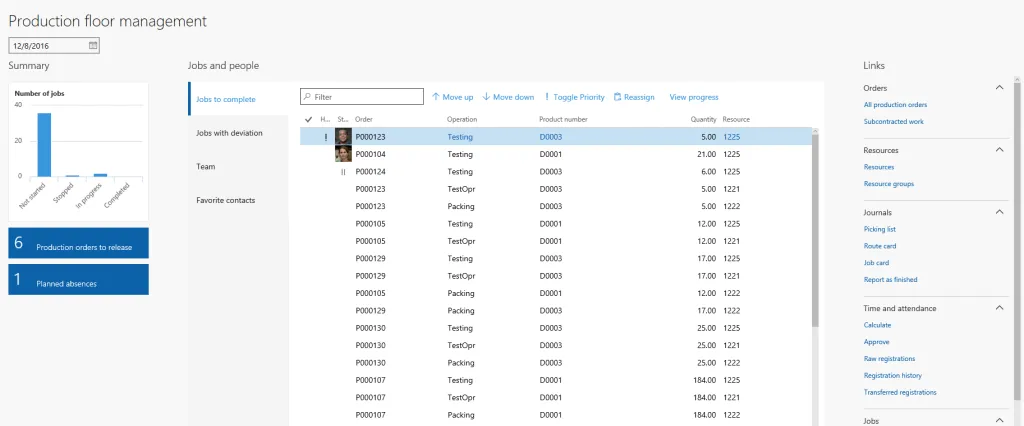
Each workspace typically contains several operational views that provide filtered lists, such as unpaid invoices, unposted statements, or pending approvals, allowing users to manage their workload efficiently.
2. Document Reporting (SSRS)
| Feature | Description |
|---|---|
| Purpose | High-fidelity, paginated reports and business documents (e.g., Sales Invoices, Purchase Orders) for printing or digital distribution. |
| Development Effort | High |
| Skill Set | Visual Studio D365 development (X++, SSRS Report Designer) |
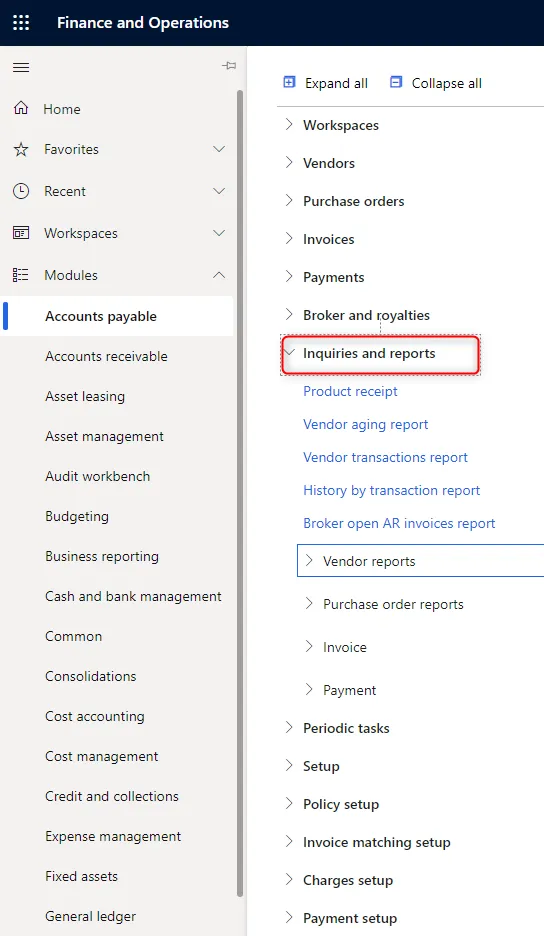
SQL Server Reporting Services (SSRS) reports are a fundamental part of the D365FO ecosystem. Every functional module includes a dedicated “Inquiries and reports” section for these types of reports.
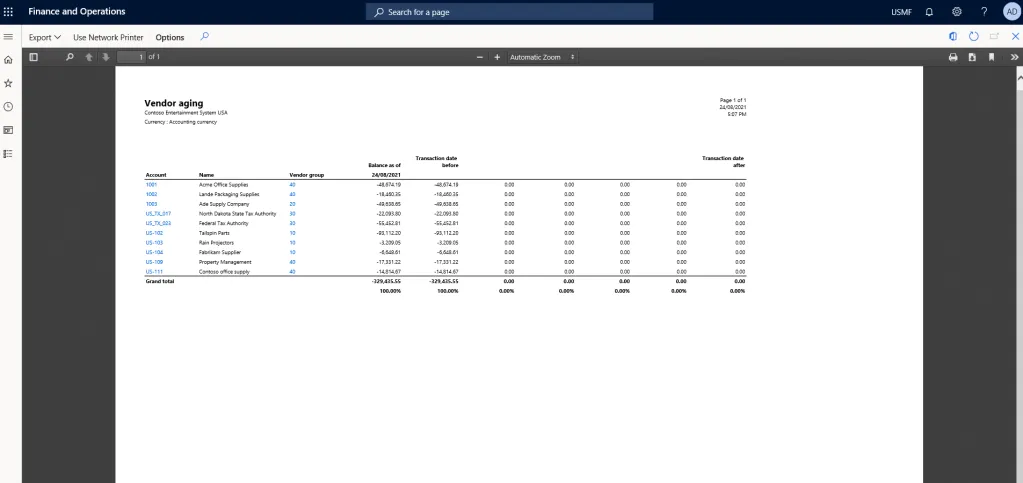
A classic example is the “Vendor aging report,” which provides a detailed breakdown of outstanding balances over time.
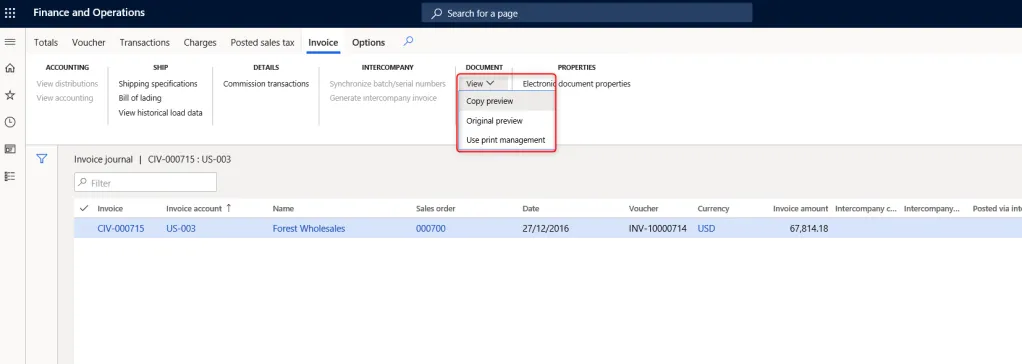
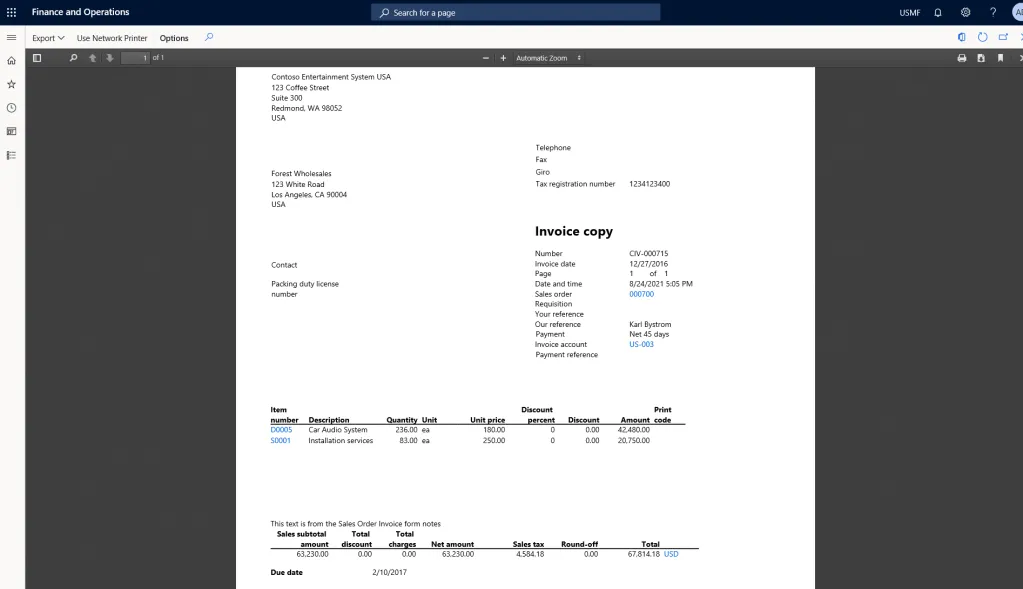
Furthermore, SSRS is the engine behind business document generation. When viewing a customer invoice, the “View” and “Send” commands trigger the generation of a formatted PDF or an email attachment.
Design and Development Considerations
SSRS development is a core part of D365FO customisation. Creating a new report typically involves:
- Data Providers: Writing X++ classes or creating AOT queries to fetch and process the required data.
- Report Design: Using the SSRS Report Designer within Visual Studio to define the layout, grouping, and formatting.
- Extensions: To customise an existing report, developers must extend the standard data providers and create a report extension or a new report design to incorporate additional fields or logic.
Due to the complexity of the data structures and the precision required for document layouts, SSRS development often requires a higher level of effort compared to other reporting options.